
Classify / Assess PD
Could you defend that band?
A defensible band for any position description (PD), without a consultant. Paste your own classification criteria once, then drop in a PD and get a suggested band with criteria match, gaps, and an auditable rationale. Classify asks: what band is this?
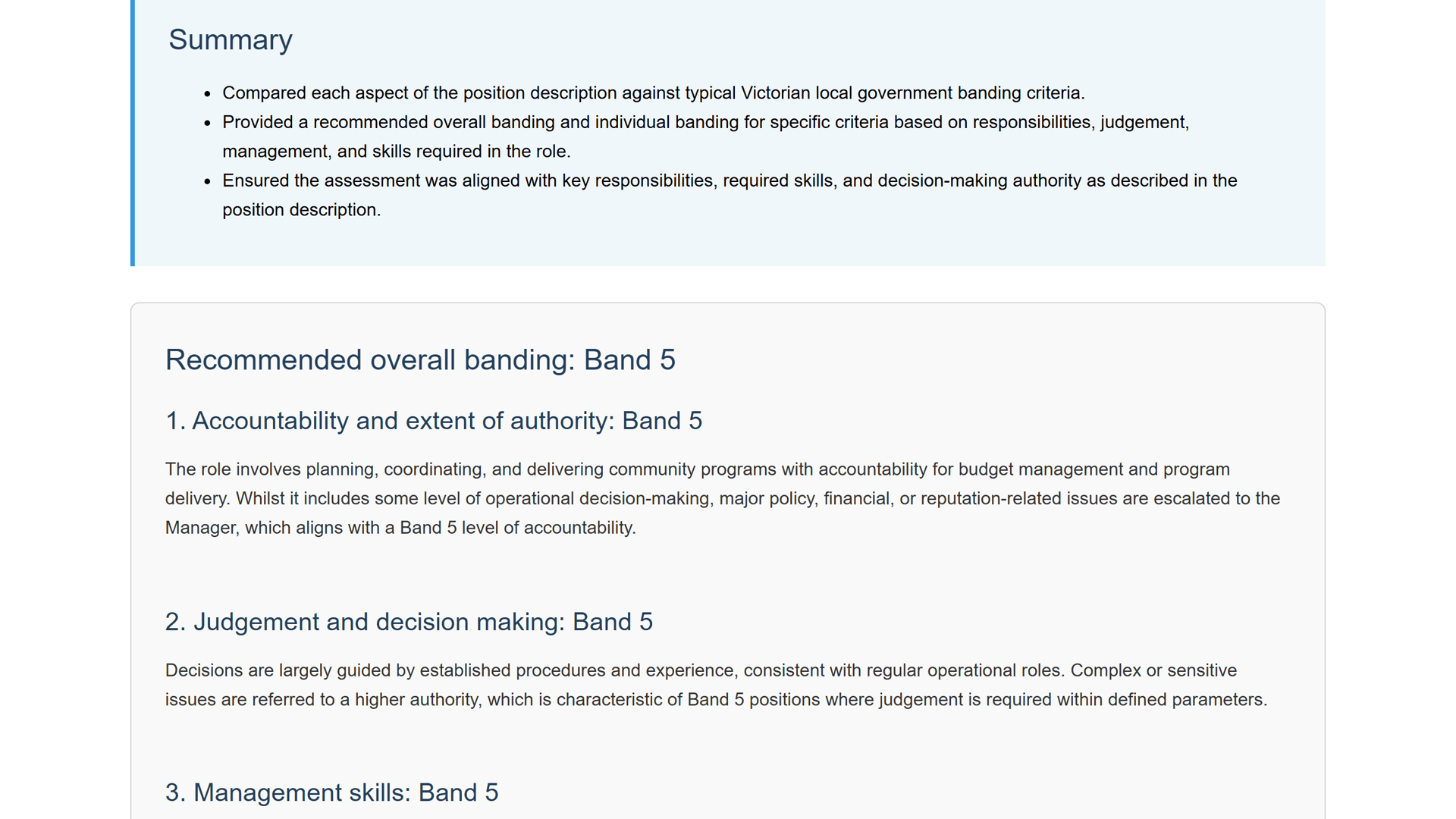
See it in action
Watch a position description classified against your pay framework.

What comes out
A defensible band, without a consultant.
The output is the working, not just a number: which criteria the PD meets, where it falls short of the band, and a written rationale you can put on the table in a banding dispute.
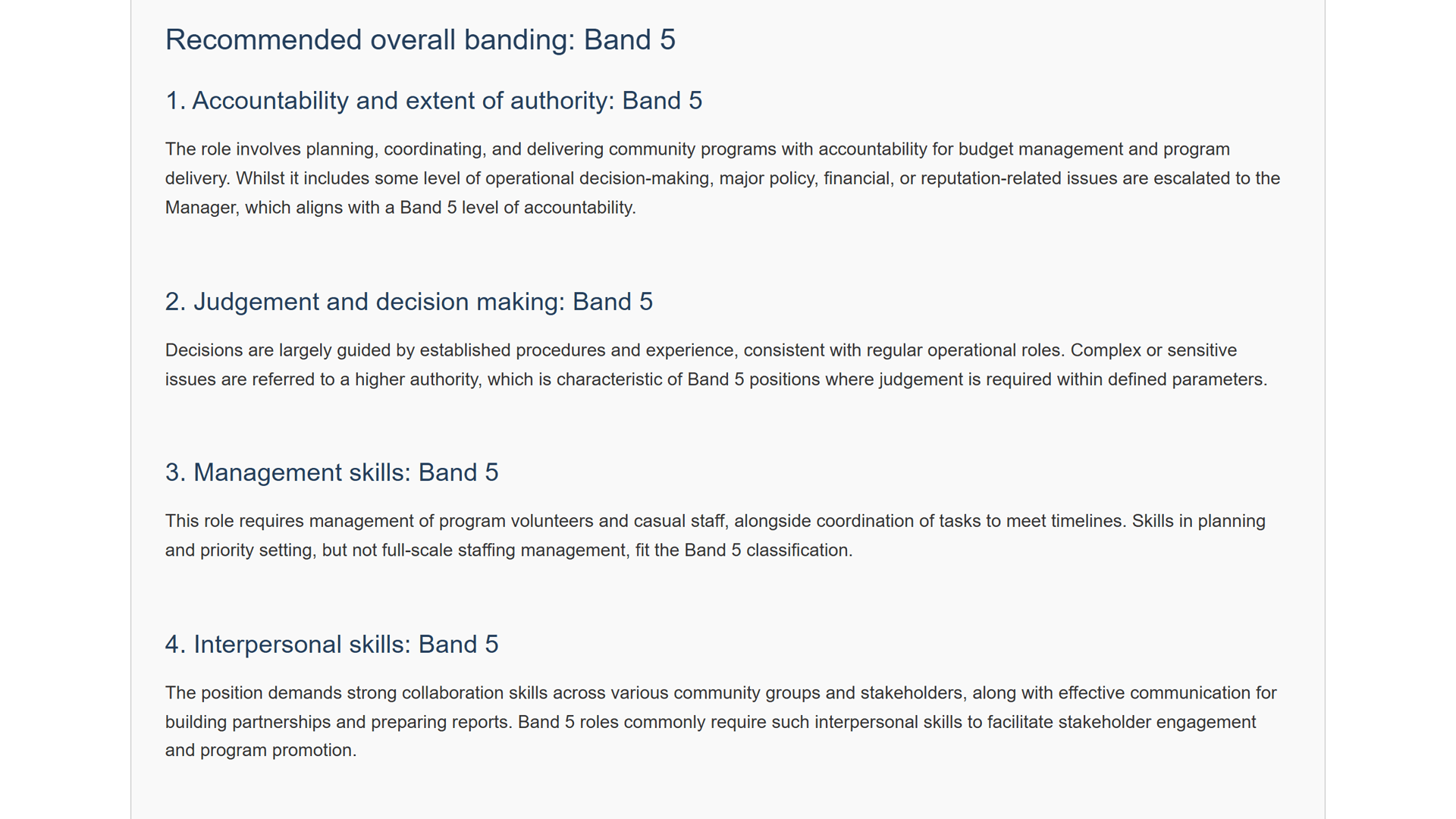
- Suggested band
- Criteria match
- Gaps
- Auditable rationale
Micro-stat
1-1.5 hrs
saved per PD review
Artefacts
- Suggested band
- Criteria match
- Gaps
- Auditable rationale
1-1.5 hours back, every PD review
easyPDs saves 1-1.5 hours per PD review. The banding work that used to swallow an afternoon happens while you read the summary.
No consultant. No wait.
The suggested band is checked against your own pay bands and grading framework, not a generic one, and it arrives in moments, not weeks.
A rationale you can show
Every classification comes with criteria match, gaps, and an auditable rationale. If the band is ever reviewed, you have the working to put on the table.
Setup is a single step
Paste your own classification criteria once. That's the implementation. One-time setup, nothing to install.
“products made by people that have actually kind of been in those positions are usually really practical”
Melanie Roberts
Organisational Transformation Officer, Ararat Rural City Council

How it works
In less than a few clicks, you have your output!
Drop in your PD
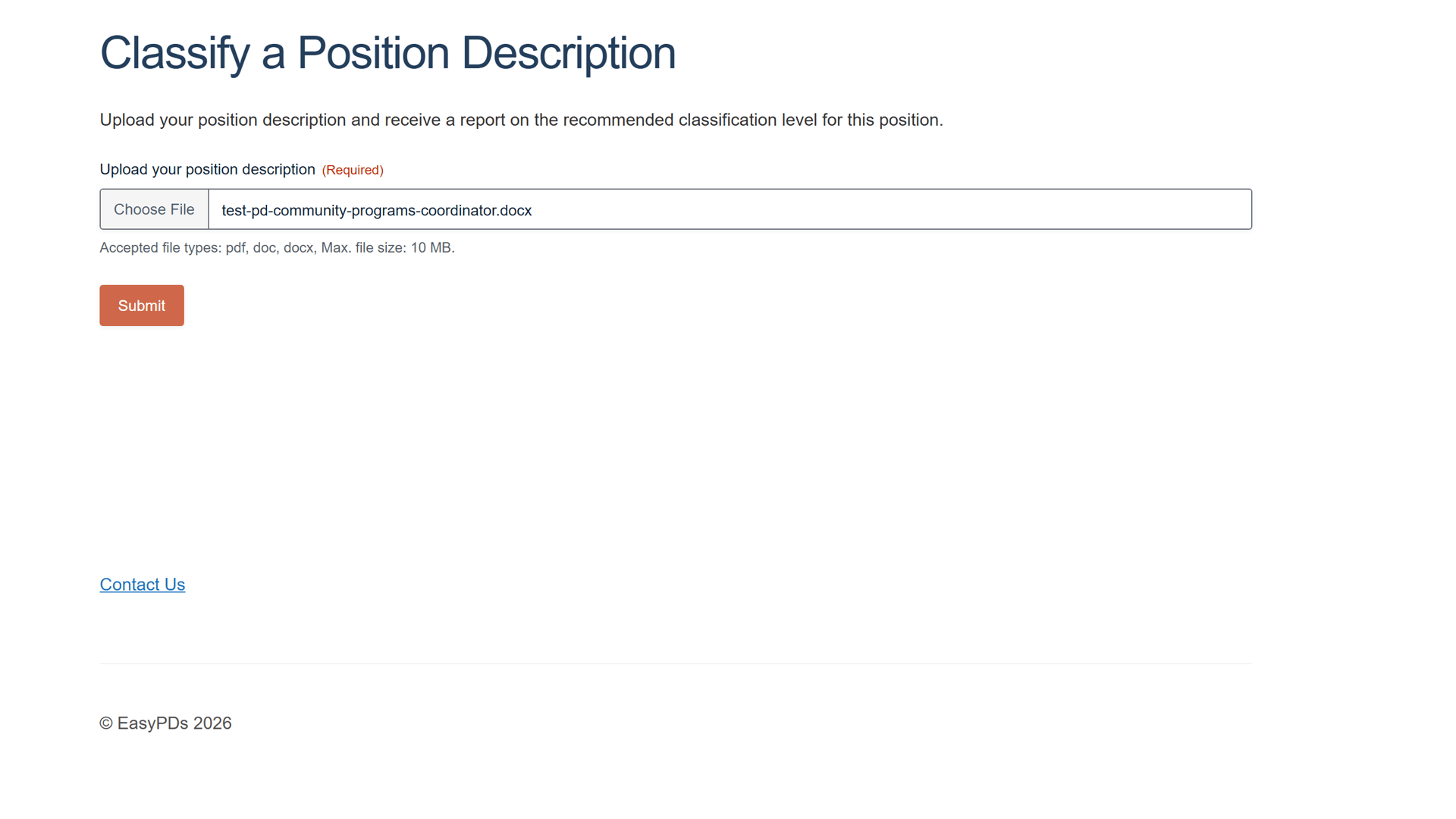
Drop in your position description - a PDF or Word (.docx) - and submit it to easyPDs to classify.
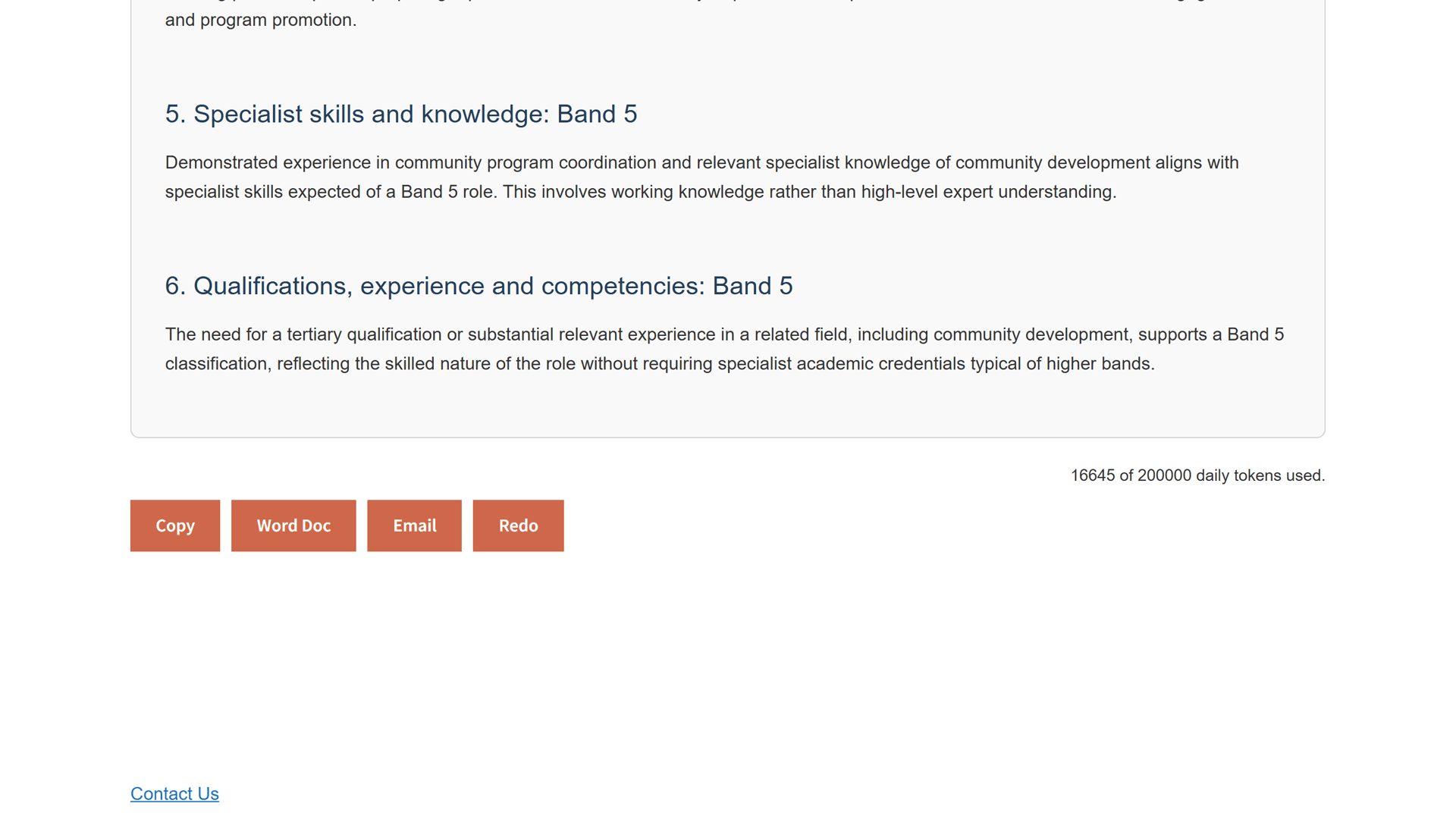
A band, recommended
You get a recommended overall band for the role, with a summary of how it was assessed against your own classification criteria.
Criteria by criteria
Each classification criterion is assessed in turn, with a written rationale for the band given against it.
Review and export
Review and edit the assessment like a Word doc, then copy it or export it to Word when you are happy.
Questions, answered
Will the band hold up?
What is the suggested band checked against?
Your own classification criteria. You paste them into easyPDs once at setup, and the Classify and Reband tools use those criteria, not a generic framework, to assess each PD.
Is the result something I can defend?
Yes. Every classification comes with criteria match, gaps, and a written rationale. If the band is ever reviewed, you have the working to put on the table. Save it by copying to clipboard or exporting to Word.
Do I have to set up the criteria every time?
No. Pasting your classification criteria is a one-time setup. After that, drop in a PD and get a suggested band; you only revisit the criteria if your pay framework changes.
What can I upload, and is my document handled securely?
Upload a PDF or Word (.docx) position description; if a Microsoft 365 'Save as PDF' will not parse, use the .docx. Your documents are handled securely and are not used to train AI models.
What band is this? Now you know.
Book a 20-minute walkthrough. We'll set it up against your real classification framework so you can see it work on your PDs.
Email support@easypds.com.au and we'd love to run one of your own PDs through the system.
Six tools. One app.
Explore the other tools
- Interview PackScreening questions, interview questions, a scoring matrix and a marking guide, generated from one PD.
- Job Ad GeneratorOne PD, a job ad written in the right tone for your website, LinkedIn or Seek.
- Remove JargonSwap internal acronyms and sector jargon for plain English, every change flagged to review.
- Remove Gender BiasCatch gendered phrasing and get neutral replacements, with an inclusion record to save.
- Classify / Assess PDYou’re hereA suggested band with criteria match, gaps and an auditable rationale, against your grading framework.
- RebandReshape a PD to a new band with a diff and a rationale mapped to your pay-band criteria.