
Remove Jargon
You've stopped seeing the jargon.
You've read that position description (PD) so many times the acronyms have gone invisible. The right candidate reads it once, and bounces. easyPDs scrubs sector jargon into plain English, with every change flagged for you to review.
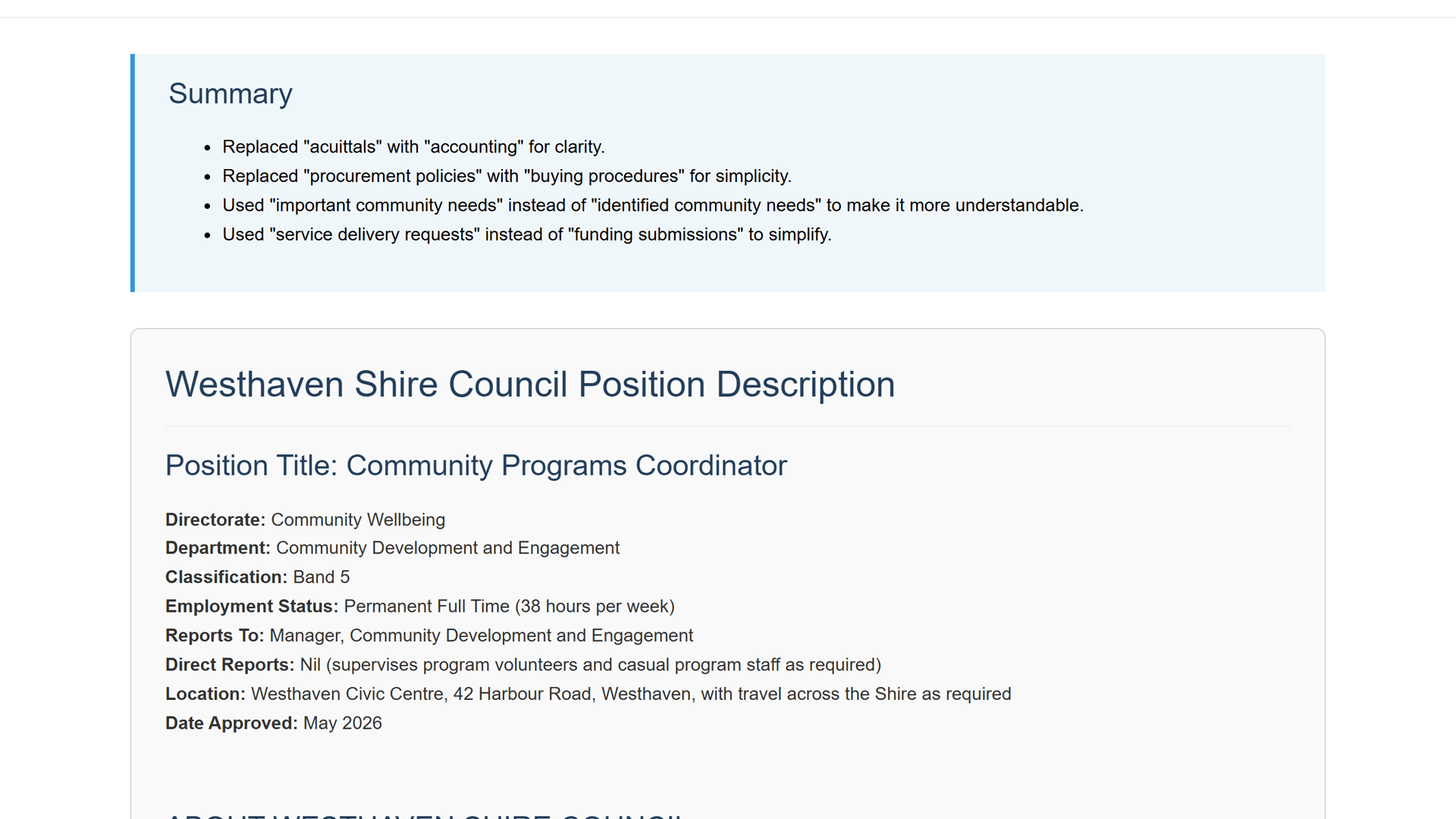
See it in action
Watch sector jargon and acronyms turned into plain English.
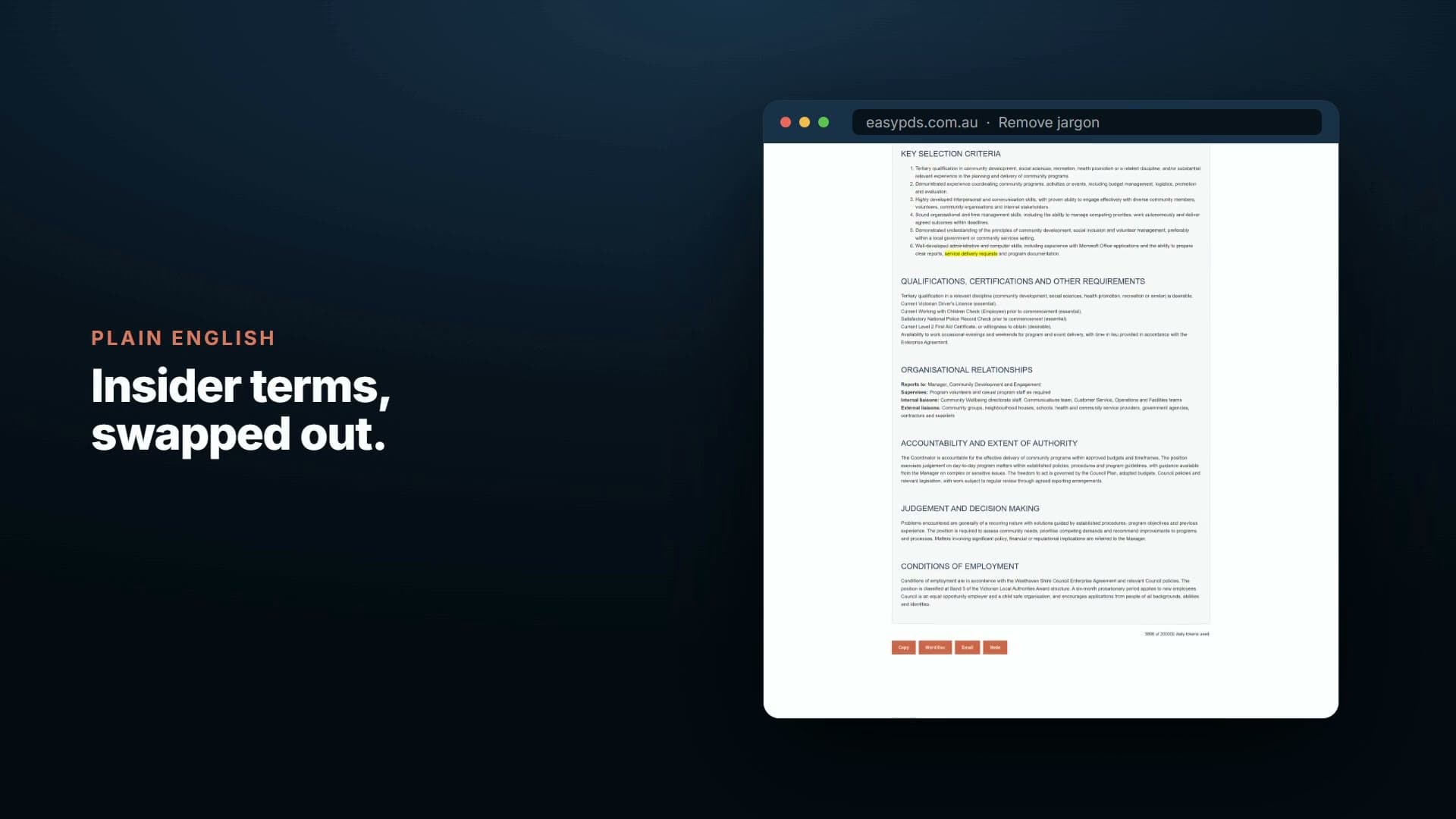
What comes out
Plain English the right candidate can actually read.
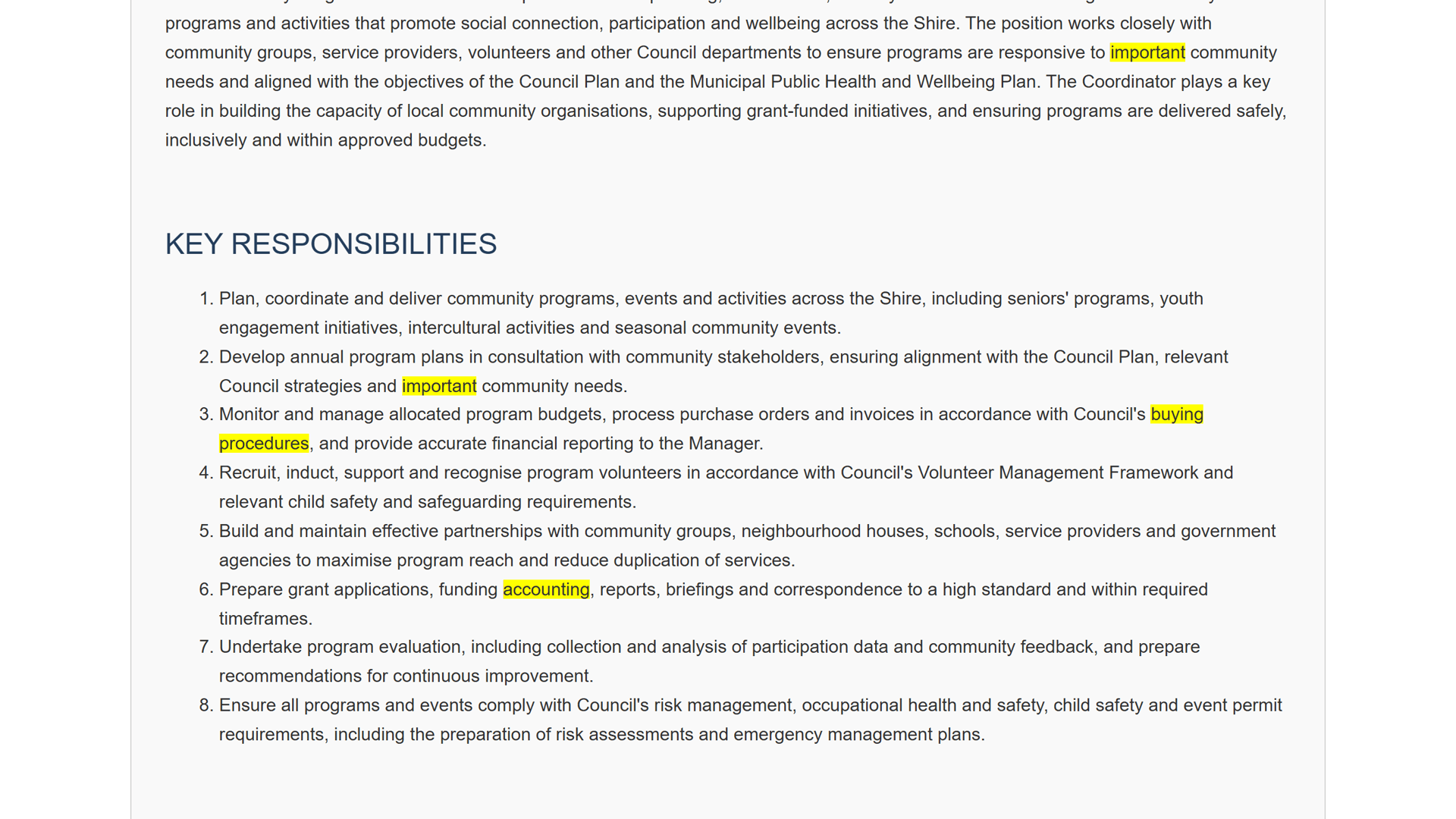
easyPDs scrubs acronyms and sector jargon into clear language, with every replacement highlighted so you can review the lot at a glance and edit anything you'd word differently.
- Flagged jargon
- Plain-English suggestions
- Updated PD
Artefacts
- Flagged acronyms and jargon
- Plain-English replacements
- Every change highlighted
- Clean PD to clipboard or Word doc
The alphabet soup gets flagged
Ambiguous acronyms and sector jargon are detected and paired with plain-English replacements a first-time reader will understand.
Every change is flagged for you
Each replacement is highlighted and listed in the run summary, so you can see exactly what changed and reword anything yourself. The final PD is yours to adjust.
A wider pool can actually read it
A PD in plain English reaches candidates from outside the sector, the ones your jargon was quietly turning away.
No language degree required
You do not need to be a writer to ship a clean PD. The suggestions do the heavy lifting; you just choose.
“super simple to use”
Melanie Roberts
Organisational Transformation Officer, Ararat Rural City Council

How it works
In less than a few clicks, you have your output!
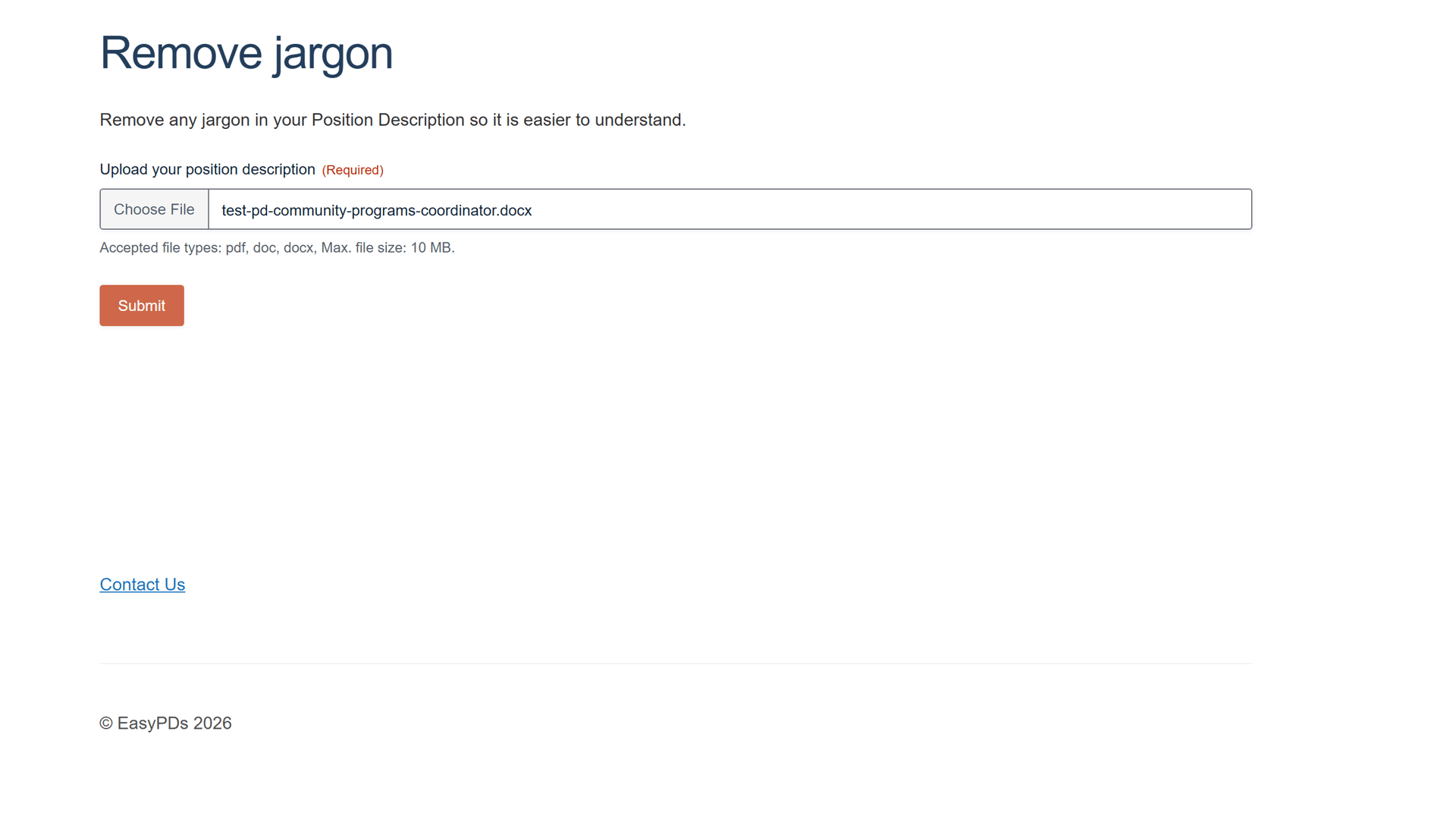
Drop in your position description
Add the PDF or Word (.docx) position description you already have and submit. easyPDs reads the document you uploaded - nothing to retype.
Jargon swapped for plain English
Sector jargon is swapped for plain-English equivalents, each listed in a summary you can scan in one pass.
Every change highlighted in place
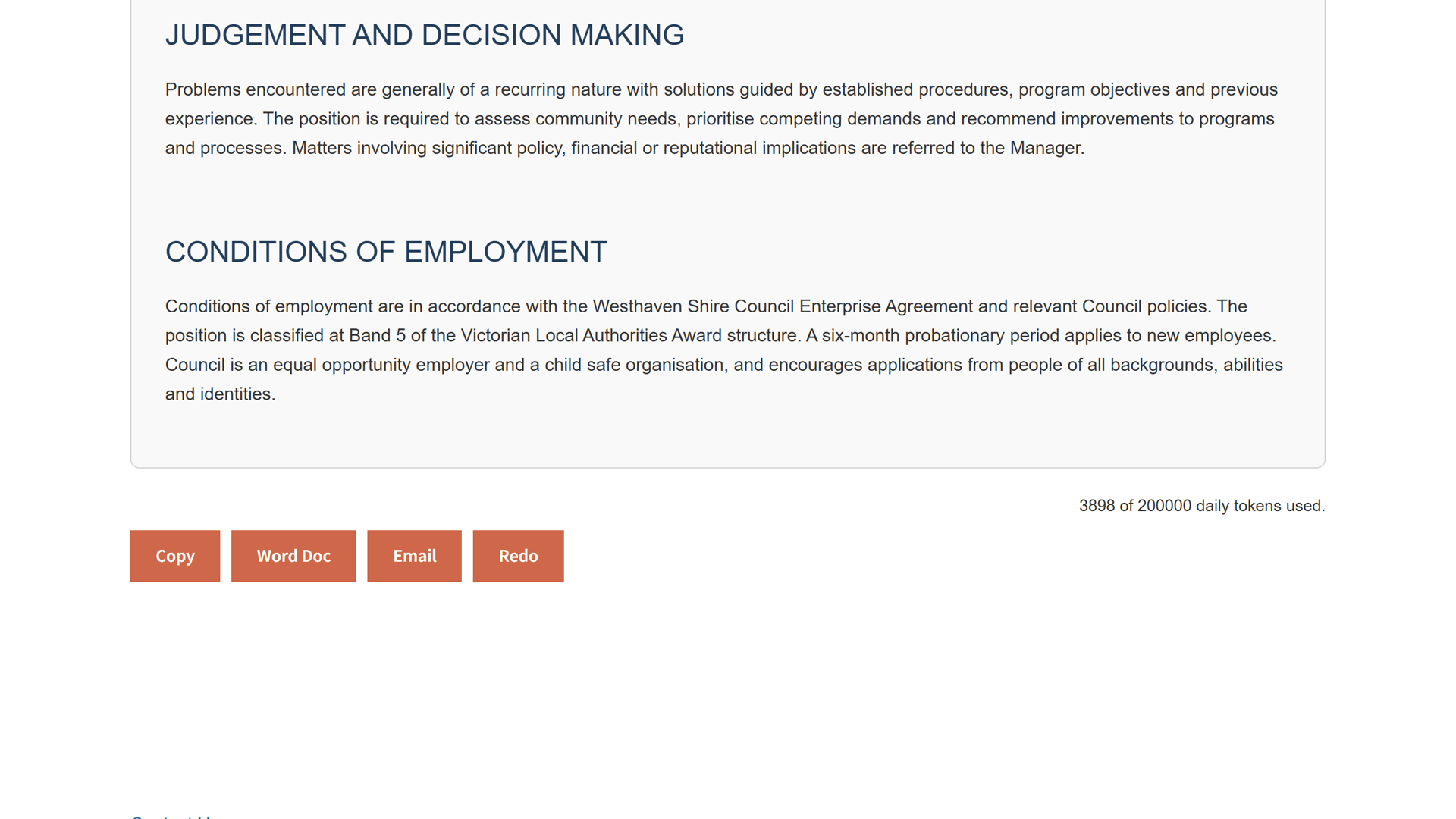
The rewritten PD comes back with each swapped word highlighted where it sits in the document, so you can see exactly what changed at a glance.
Review and export like a Word doc
Edit anything you'd word differently, then copy the clean PD, email it, or export it as a Word doc.
Questions, answered
Plain English, answered
Will it change the meaning of the PD?
No. It swaps acronyms and sector jargon for plain-English equivalents and leaves the substance intact. Every replacement is highlighted and listed in the run summary, so you can see exactly what changed.
Can I keep some of our usual wording?
Yes. The suggestions are yours to take or leave. Review the highlighted changes, then reword anything you would phrase differently before you copy to clipboard or export to Word. The final PD is yours.
What can I upload?
A PDF or Word (.docx) position description, the document you already have. If a Microsoft 365 'Save as PDF' will not parse cleanly, upload the .docx instead.
Why does plain English matter for a role?
A PD thick with acronyms reads cleanly to you and bounces the right candidate from outside the sector. Plain language widens who can actually read, and apply for, the role.
Is my position description handled securely?
Yes. Your documents are handled securely and are not used to train AI models.
Make it plain
Book a 20-minute walkthrough. Bring one of your own position descriptions and watch the jargon turn into plain English you can review.
Email support@easypds.com.au and we'd love to run one of your own PDs through the system.
Six tools. One app.
Explore the other tools
- Interview PackScreening questions, interview questions, a scoring matrix and a marking guide, generated from one PD.
- Job Ad GeneratorOne PD, a job ad written in the right tone for your website, LinkedIn or Seek.
- Remove JargonYou’re hereSwap internal acronyms and sector jargon for plain English, every change flagged to review.
- Remove Gender BiasCatch gendered phrasing and get neutral replacements, with an inclusion record to save.
- Classify / Assess PDA suggested band with criteria match, gaps and an auditable rationale, against your grading framework.
- RebandReshape a PD to a new band with a diff and a rationale mapped to your pay-band criteria.