
Remove Gender Bias
The bias your eye misses.
Subtle gendered phrasing hides in every position description (PD), and a tired reader skims straight past it. easyPDs catches it and offers inclusive, neutral replacements, flagging every change so you have a clear inclusion record to save.
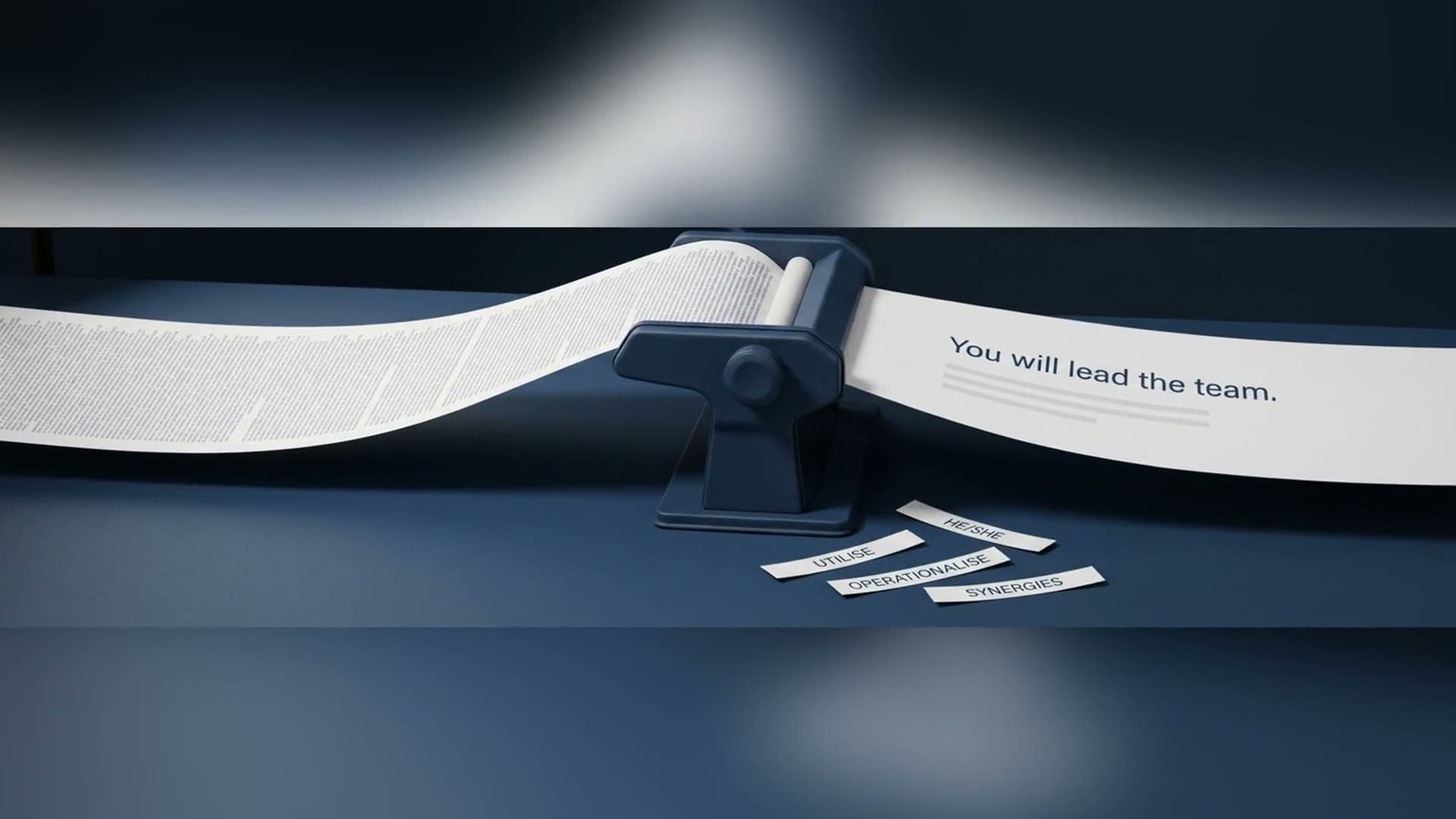
See it in action
Watch gendered language replaced, and jargon and acronyms made plain.
What comes out
A neutral PD, and the record to prove it.
Every run leaves you the working: what was checked, the verdict on each phrase, and a summary you can save and put on the table if the wording is ever questioned.
- Review outcome
- Pronouns, job titles, gender-coded terms
- Rewritten PD, structure intact
Artefacts
- Flagged gendered phrasing
- Inclusive, neutral replacements
- Inclusion summary to save
- Inclusive PD to clipboard or Word doc
Catches what a tired reader can't
Gendered language is detected item by item, including the subtle phrasing that survives three rounds of human review.
Neutral replacements, your call
Each flagged item comes with an inclusive, neutral alternative. Keep what works and reword the rest - the PD stays yours.
A record you can stand behind
Every run lists the changes it made, giving you a clear inclusion record to save - ready if the wording of a PD is ever questioned.
A wider applicant pool, no rewrite
Inclusive language widens who applies without you rewriting the PD from scratch.
“it pays for itself”
Melanie Roberts
Organisational Transformation Officer, Ararat Rural City Council

How it works
In less than a few clicks, you have your output!
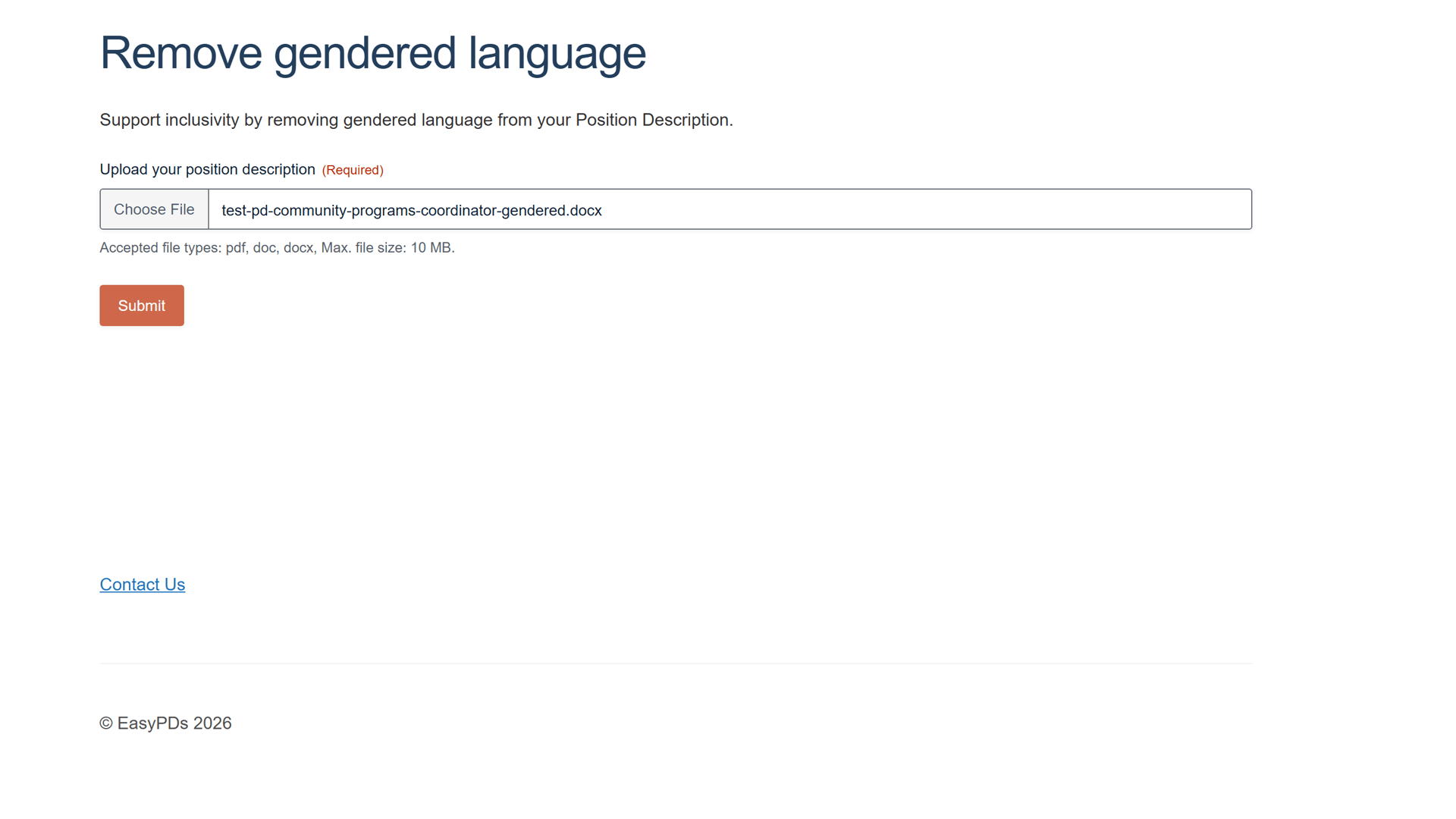
Drop in your position description
Upload the Word (.docx) or PDF position description and submit; the whole document is checked, not just the duties list.
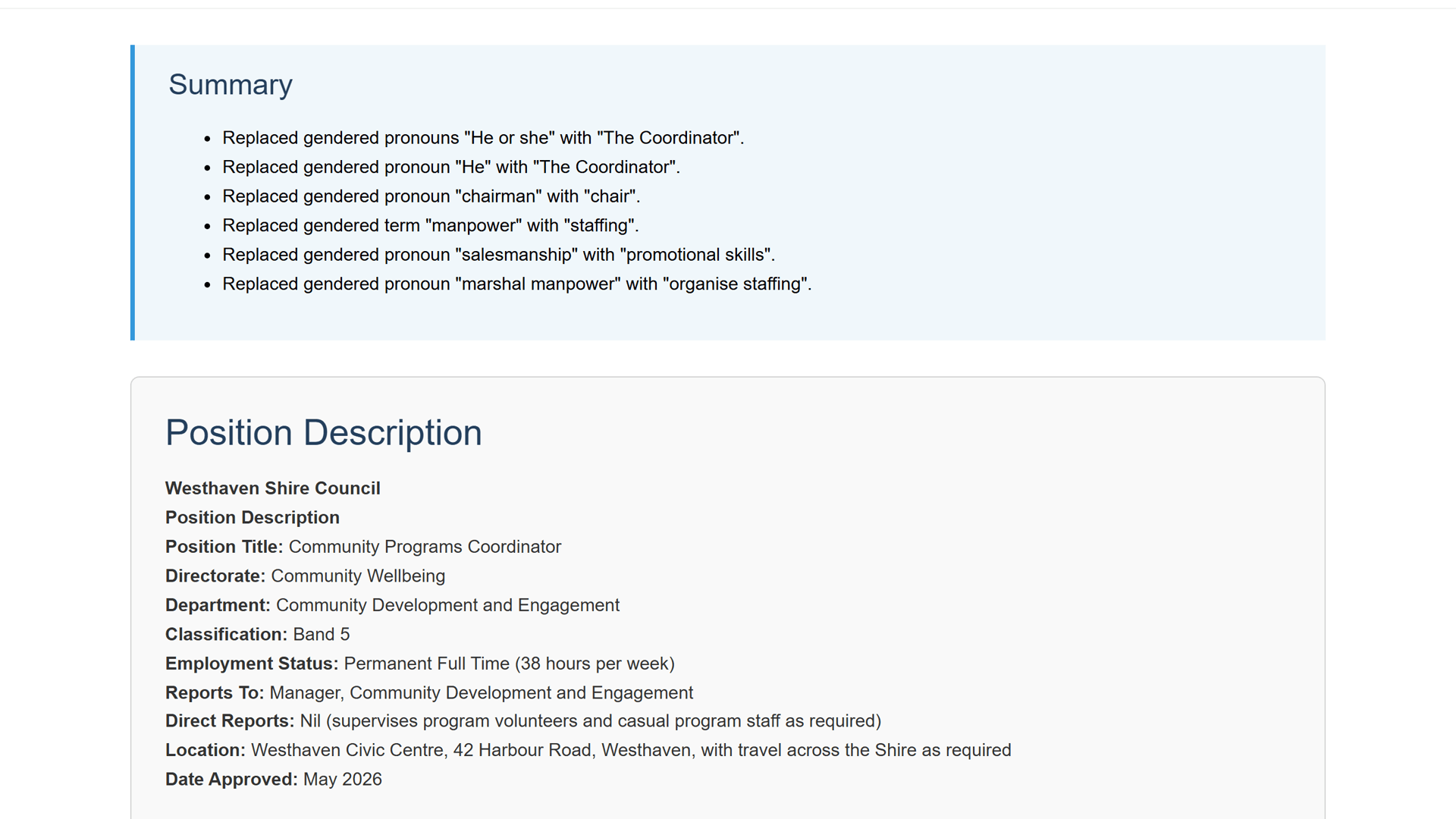
Every replacement summarised
A Summary at the top lists each gendered word that was changed and the neutral wording it became, so you have a clear inclusion record for this PD.
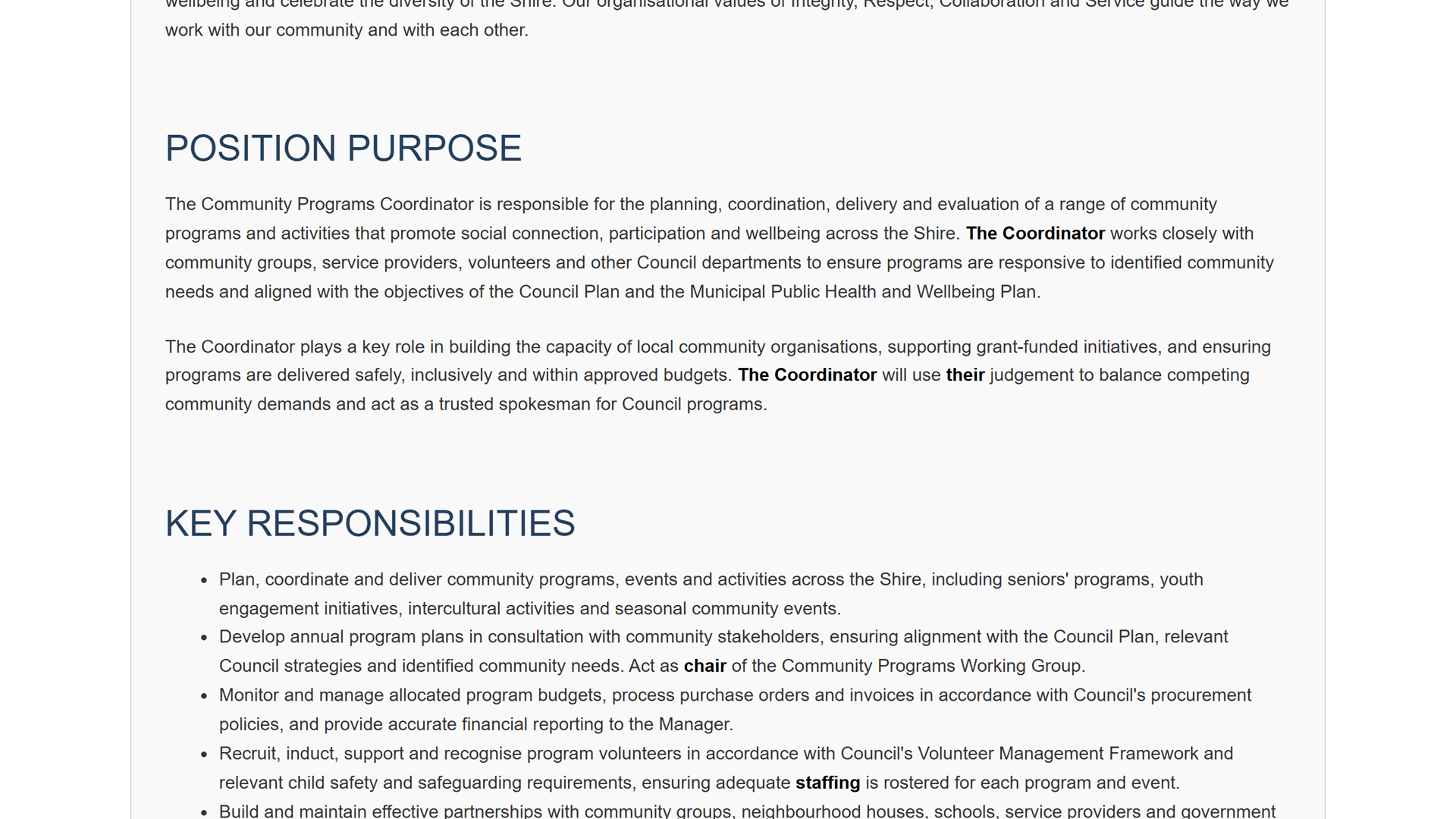
An inclusive PD, structure intact
The full position description comes back with neutral wording throughout, keeping every original heading and section in place.
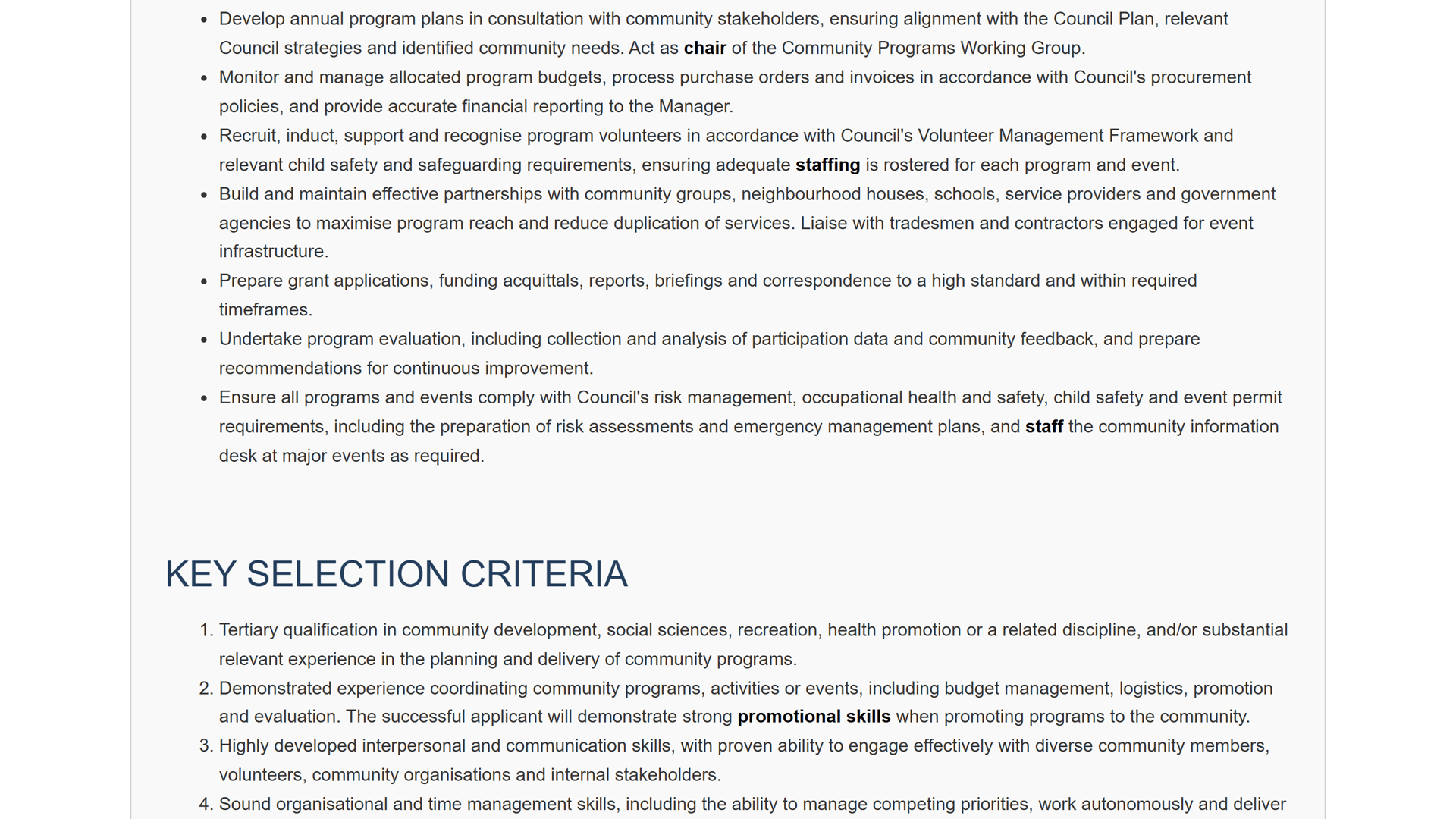
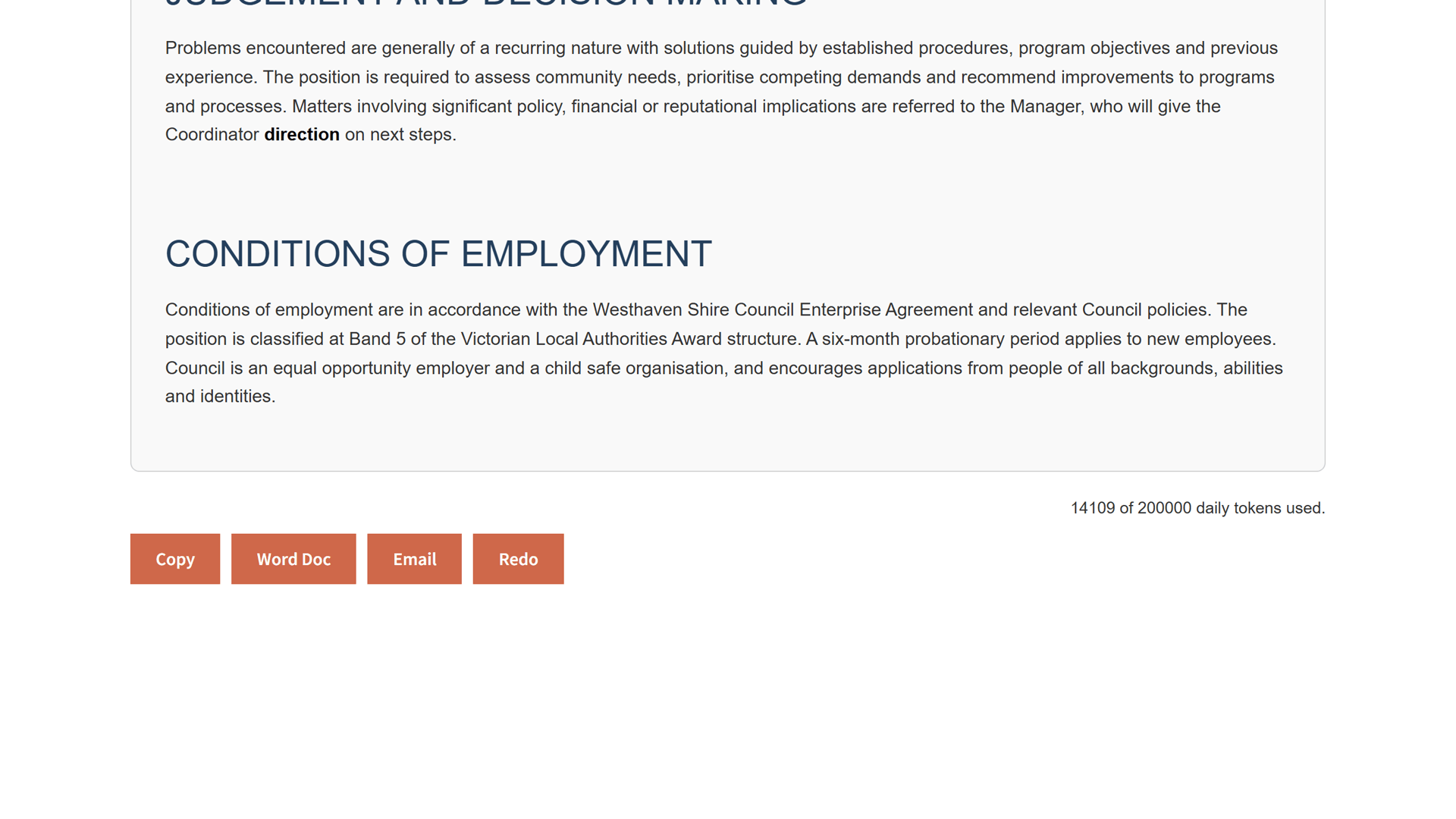
Review, edit, and export
Edit the wording like a Word document, then copy it out, save it as a Word doc, or email it straight from the page.
Questions, answered
Inclusive wording, answered
What does it actually check for?
It reviews the whole PD item by item for pronouns, job titles, and gender-coded terms, and offers an inclusive, neutral replacement for anything it flags, including the subtle phrasing that survives several rounds of human review.
Do I have to accept every suggested change?
No. Each flagged item comes with a neutral alternative; you keep what works and reword the rest. Review the highlighted changes, then copy to clipboard or export to Word. The PD stays yours.
Can I keep a record that we checked?
Yes. Every run lists the changes it made, so you can save a clear inclusion summary alongside the PD, ready if the wording is ever questioned.
What file types can I upload?
A PDF or Word (.docx) position description. If a Microsoft 365 'Save as PDF' will not parse cleanly, upload the .docx instead.
Is my position description handled securely?
Yes. Your documents are handled securely and are not used to train AI models.
Make it fair
Book a 20-minute walkthrough. Bring one of your own position descriptions and watch it surface the gendered phrasing your eye skims past.
Email support@easypds.com.au and we'd love to run one of your own PDs through the system.
Six tools. One app.
Explore the other tools
- Interview PackScreening questions, interview questions, a scoring matrix and a marking guide, generated from one PD.
- Job Ad GeneratorOne PD, a job ad written in the right tone for your website, LinkedIn or Seek.
- Remove JargonSwap internal acronyms and sector jargon for plain English, every change flagged to review.
- Remove Gender BiasYou’re hereCatch gendered phrasing and get neutral replacements, with an inclusion record to save.
- Classify / Assess PDA suggested band with criteria match, gaps and an auditable rationale, against your grading framework.
- RebandReshape a PD to a new band with a diff and a rationale mapped to your pay-band criteria.